
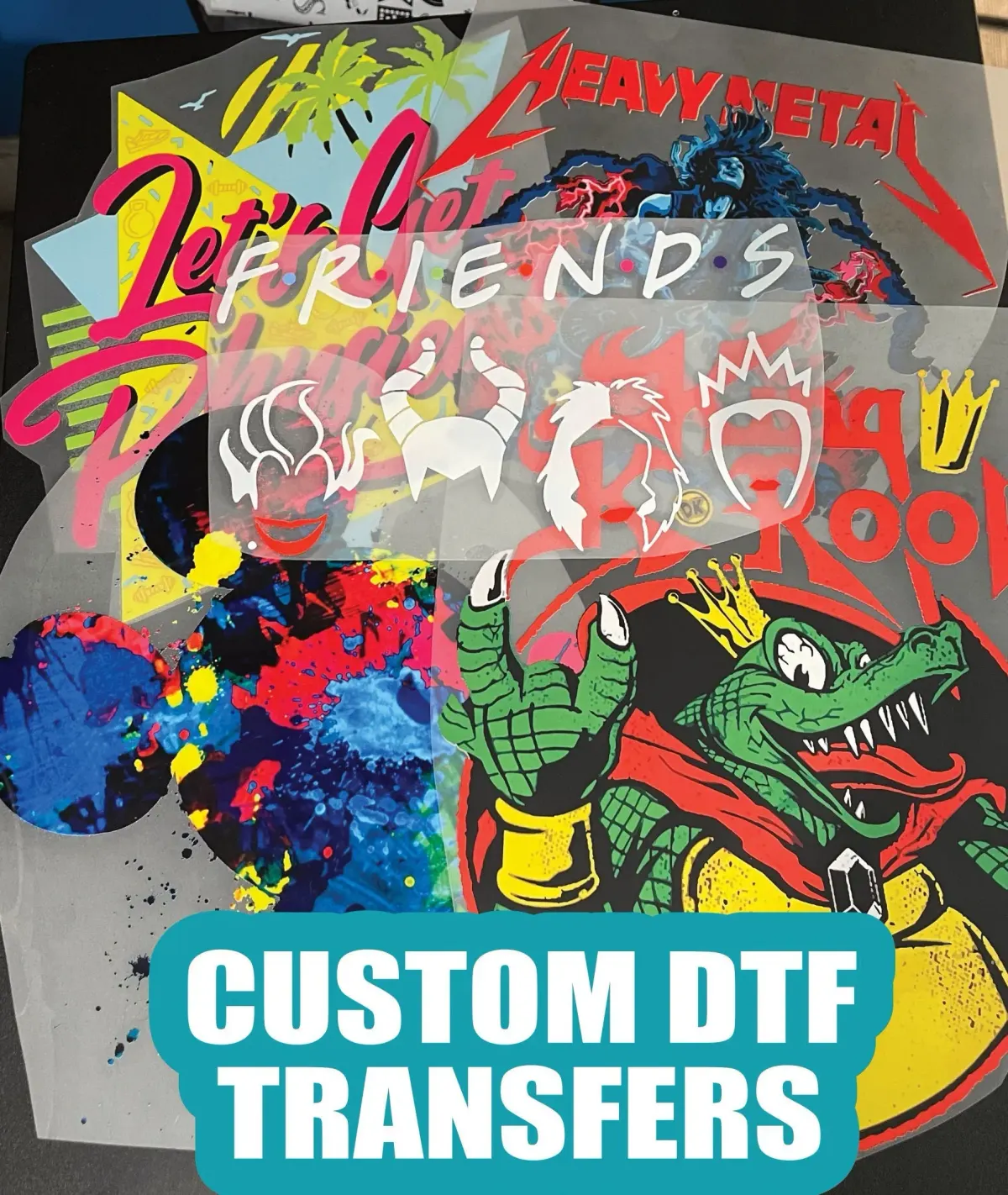
DTF Transfers, or Direct-to-Film Transfers, have emerged as a game-changer in the realm of textile printing, enabling vivid designs to be printed directly onto fabrics with ease. However, many enthusiasts, whether beginners or veterans, often encounter DTF printing mistakes that can significantly impact the outcome of their projects. To achieve stunning results, it’s crucial to pay attention to details like DTF film quality, optimal heat press settings, and ensuring proper ink compatibility. Even subtle adjustments in print resolution can lead to vibrant and durable prints that look professional. In this article, we’ll walk through common pitfalls to avoid in the DTF transfer process, ensuring your prints are nothing short of spectacular.
Direct-to-Film methods have revolutionized the way designs are transferred onto textiles, with many referring to this technique as DTF printing. As enthusiasts delve deeper into creating quality fabric prints, they often stumble upon challenges related to print quality and material compatibility. The ability to understand heat application techniques, film grading, and the right ink choices can make all the difference in the final product. This guide aims to shed light on crucial tips for enhancing your transfer results, touching on several key factors such as heat press settings and avoiding common printing blunders. By embracing these practices, you can elevate your craft and produce exceptional fabric designs.
Understanding the Importance of Print Resolution in DTF Transfers
Print resolution plays a vital role in the quality of your DTF transfers. Higher resolutions allow for more detail in your designs, creating sharper and more vibrant images. When preparing your artwork for printing, ensure that the resolution is optimized for the fabric and printing method being used. A common mistake is using low-resolution images that can lead to pixelation or blurring, which detracts from the professional appearance of your transfers.
Moreover, different fabrics may require different resolutions to achieve the optimal final look. For instance, intricate designs might benefit from a higher DPI (dots per inch) when printed on more textured materials. By taking the time to adjust your print resolution accordingly, you can ensure your DTF prints have the clarity and vibrancy that customers expect.
Avoiding Common DTF Printing Mistakes
It's easy to make mistakes in the DTF printing process, especially for those who are just starting out. Ignoring the manufacturer's settings for your printer is one of the most frequent errors, as it can significantly impact print quality. Always reference the printer manual to determine the best settings for print resolution, color profiles, and other relevant factors to ensure the best possible outcome.
Additionally, some users error in assuming all DTF films are of equal quality. Opting for lower-quality films can lead to a host of issues, including poor adhesion and washed-out colors. By being aware of potential pitfalls and concentrating on quality supplies and settings, you can avoid prevalent DTF printing mistakes and produce superior transfers.
The Significance of DTF Film Quality in Transfer Success
The quality of DTF film directly impacts the durability and vibrancy of your transfers. Using high-grade films designed specifically for DTF applications ensures that colors remain bright and that the images adhere properly to the fabric. Low-quality films can result in issues like image bleed and inadequate adhesion, risking the integrity of your entire print job.
Always check for compatibility between the DTF film and the inks used in the process. Compatibility not only affects the appearance of the prints but also influences their longevity. Ensuring the film you select meets the specific requirements of your printer and ink can make all the difference in achieving high-quality results.
Mastering Heat Press Settings for Optimal Adhesion
Properly configured heat press settings are crucial for ensuring the successful transfer of designs. Many users underestimate the importance of using accurate temperature, pressure, and timing settings, which can lead to disastrous outcomes like lifting or peeling transfers after washing. Familiarize yourself with the recommended settings for your materials and perform several test runs to fine-tune these variables.
Using a heat press that isn’t calibrated correctly can also yield inconsistent results. Regularly check your heat press calibration and make any necessary adjustments to ensure your heat settings are spot-on. Mastering these settings will ultimately contribute to the quality and permanence of your DTF transfers, making your work stand out in a competitive market.
The Role of Ink Compatibility in DTF Printing
Ink compatibility must not be overlooked in the DTF printing process. Using inks that are designed to work specifically with DTF films can prevent issues related to adhesion and color vibrancy. Mixing different ink types can lead to unintended results, including fading or poor transfers, which alienates customers looking for high-quality products.
Before purchasing inks, check for manufacturer's recommendations and ensure they are designed to work synergistically with your DTF film and printer. This diligence not only enhances the looks of your design but also extends the life of your transfers, ensuring they maintain their integrity when washed and worn.
Prioritizing Pre-Press Preparation for Better Results
Pre-press preparation often sets the tone for the success of your DTF printing. Properly treating fabrics before application ensures that your designs adhere effectively, reducing the risk of washing-related issues such as peeling. Invest time in understanding pre-treatment methods and tailor them to the specific fabric you’re using.
Additionally, ignoring the significance of temperature and pressure during pre-press can result in lackluster finishes. Always conduct preliminary tests on a sample piece to evaluate how the fabric reacts to the DTF transfer, adjusting as necessary based on your findings. Careful pre-press prep is always the foundation of high-quality transfers.
Frequently Asked Questions
What are common DTF printing mistakes that can affect transfer quality?
Common DTF printing mistakes include using incorrect printing settings, opting for poor DTF film quality, and failing to ensure proper ink compatibility. Each of these factors can seriously impact the adhesion and vibrancy of your DTF transfers, so it’s essential to adjust your settings, choose high-quality materials, and use inks specifically designed for DTF printing.
How does DTF film quality influence the outcome of my transfers?
DTF film quality is critical for successful prints. Low-grade films may lead to issues like poor adhesion and dull colors. To achieve high-quality DTF transfers, always select films designed for your specific printer and inks, ensuring they offer solid adhesion and vibrant color representation.
What are the ideal heat press settings for DTF transfers?
Ideal heat press settings for DTF transfers include the appropriate temperature, pressure, and timing as recommended by your printer’s manufacturer. Using incorrect settings can compromise transfer adhesion, resulting in lifting and peeling over time, so it’s important to follow manufacturer guidelines and conduct test runs.
How does print resolution impact DTF transfer quality?
Print resolution significantly impacts the quality of your DTF transfers. Higher resolution settings generally yield sharper and more vibrant images, while lower resolutions can result in pixelation and blurry designs. Always adjust your print resolution based on your design requirements to ensure the best results.
Why is ink compatibility important in DTF printing?
Ink compatibility is crucial in DTF printing as using inks not designed for DTF processes can lead to poor adhesion and reduce the longevity of your prints. Always use inks specifically formulated for DTF applications to maintain color integrity and durability in your transfers.
How can I improve my skills in DTF transfers?
Improving your skills in DTF transfers involves continuous education and practice. Engage in workshops, online tutorials, and community discussions focused on DTF techniques. Staying updated with the latest industry advancements will help you refine your skills and avoid common printing mistakes.
| Mistake | Explanation |
|---|---|
| Incorrect Printing Settings | Using default settings instead of customizing for design and materials can lead to poor print quality. |
| Poor Film Quality | Cheap transfer films result in poor adhesion and dull colors. Use high-quality films tailored to your printer. |
| Improper Ink Compatibility | Mixing different inks can lead to fading and peeling. Always use inks made for DTF printing. |
| Inadequate Pre-Press Preparation | Neglecting to pre-treat fabrics can cause issues with peeling or cracking. |
| Incorrect Heat Press Settings | Wrong temperature or pressure settings can lead to inadequate adhesion. |
| Rushed Workflow | Hurrying through processes like drying can compromise transfer quality. |
| Ignoring Test Prints | Failing to conduct test prints may result in color mismatches and poor adhesion during larger runs. |
| Not Cleaning the Printer Regularly | Regular cleaning helps prevent nozzle clogs and maintains printing quality. |
| Improper Storage Conditions | Inks and films need to be stored correctly to avoid degradation. |
| Lack of Skill Development | Neglecting to improve skills can lead to repeated mistakes due to evolving techniques. |
Summary
DTF Transfers are an innovative solution in the textile printing industry, enabling direct printing of high-quality designs onto fabrics. Avoiding common mistakes such as incorrect printing settings, poor film quality, and improper ink compatibility can enhance the durability and appearance of your transfers. Additionally, regular maintenance of printers and proper storage conditions for inks and films are essential for successful outcomes. Continuous education on evolving DTF techniques is equally crucial to avoid repetitive errors. By adhering to these best practices, you can produce stunning DTF transfers that are both vibrant and long-lasting.